
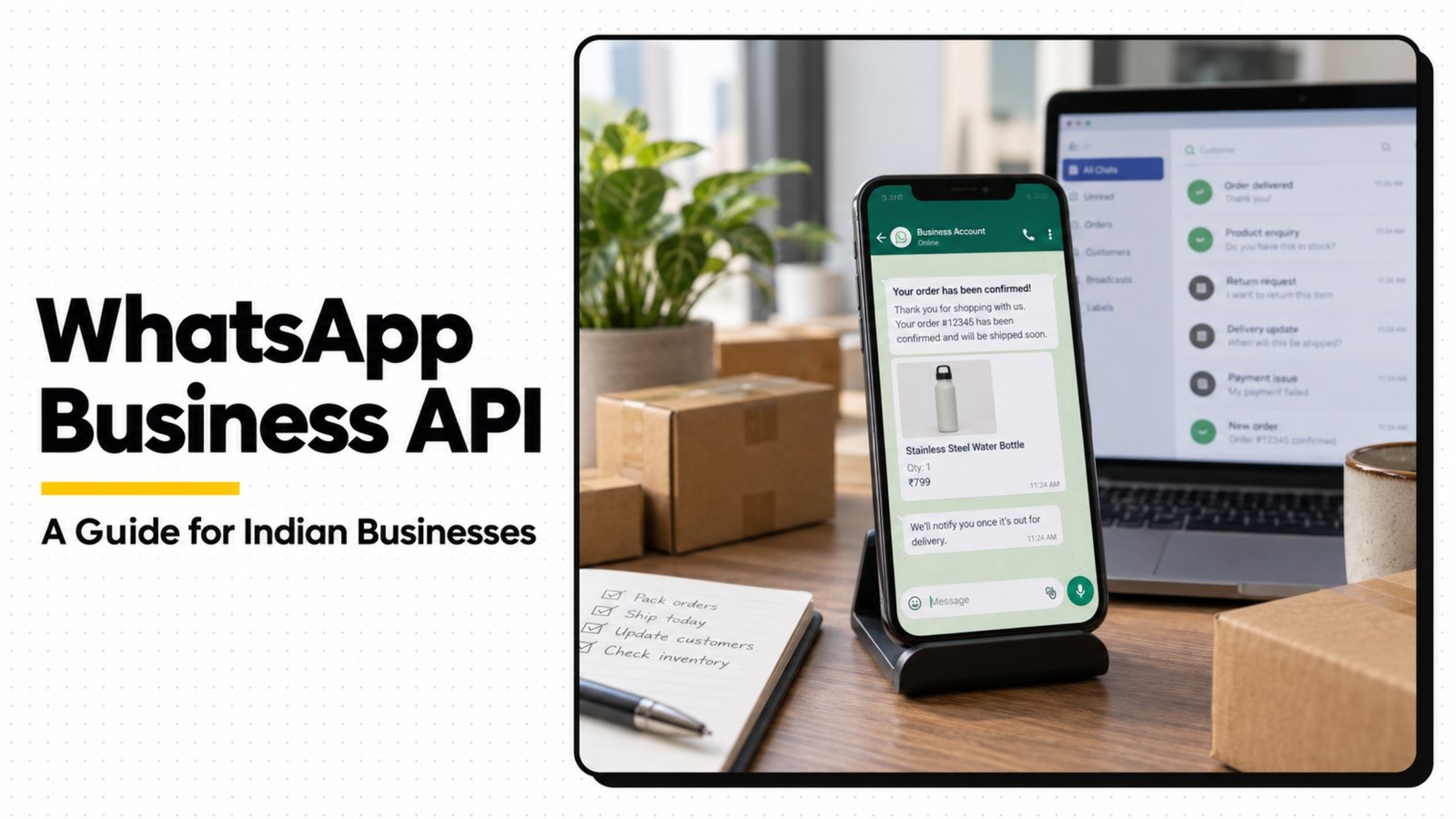
If your business is still relying on a personal WhatsApp number to handle customer queries, orders, and support, you're leaving a lot of growth on the table. WhatsApp Business API is what lets growing businesses send order updates automatically, run structured customer support, and even market to customers directly — at a scale a regular WhatsApp Business app simply can't handle. Here's what it actually is and whether your business needs it.
WhatsApp Business App vs. WhatsApp Business API
These are often confused, but they're very different tools. The free WhatsApp Business app is fine for a solo owner or very small team manually replying to a handful of chats a day. The API is built for businesses that need multiple team members responding from one number, automated messages triggered by events (like an order being shipped), integration with a CRM or helpdesk, and the ability to send templated notifications to customers who've opted in — all at a volume no single phone can handle.
What You Can Actually Do With It
- Automated order and booking updates — confirmation, shipping, and delivery messages sent automatically the moment a status changes, no manual typing required.
- Structured customer support — multiple agents can respond from the same business number, with chat history, tags, and assignment, rather than one person's phone being the bottleneck.
- Broadcast and re-engagement messages — reaching customers who've opted in with offers, restock alerts, or reminders, using approved message templates.
- Chatbots for common questions — instantly answering FAQs like pricing, hours, or order status before a human even needs to step in.
- Green tick verification — a verified business badge that builds trust the moment someone opens a chat with you.
Who Actually Needs This
Not every business needs the API on day one. It tends to make the biggest difference for ecommerce brands handling order updates and support at volume, service businesses juggling bookings and reminders across multiple staff, and any business where WhatsApp has become the primary channel customers use to ask questions before buying. If you're still comfortably handling WhatsApp messages from one phone with no missed replies, you may not need it yet — but the moment replies start slipping or a single team member becomes a bottleneck, it's usually time.
What Setup Actually Involves
Getting onto the API isn't a simple app download — it requires a Meta Business verification, a registered phone number that can't simultaneously run the regular WhatsApp app, message template approval from Meta for anything sent proactively, and typically a business solution provider (BSP) or platform to actually manage conversations, since the raw API isn't a chat interface by itself. This is the part where most businesses get stuck — not because the concept is hard, but because the setup has several moving pieces that need to be done correctly to avoid delays or account issues.
Common Mistakes Businesses Make
- Trying to use the same number on both the regular app and the API at once (not possible)
- Sending promotional messages without an approved template, risking the number getting flagged
- Setting up automation that feels robotic and frustrates customers instead of helping them
- Not connecting the API to an actual system to manage conversations, leaving messages just as scattered as before
Getting Set Up the Right Way
Corcus Studio helps businesses set up and run WhatsApp Business API properly — from Meta verification and template approval to building the automations and support workflows that actually reduce your team's workload instead of adding complexity. If you're getting buried in WhatsApp messages or want to start sending automated updates and offers the right way, reach out to our team and we'll walk you through what it would look like for your business.